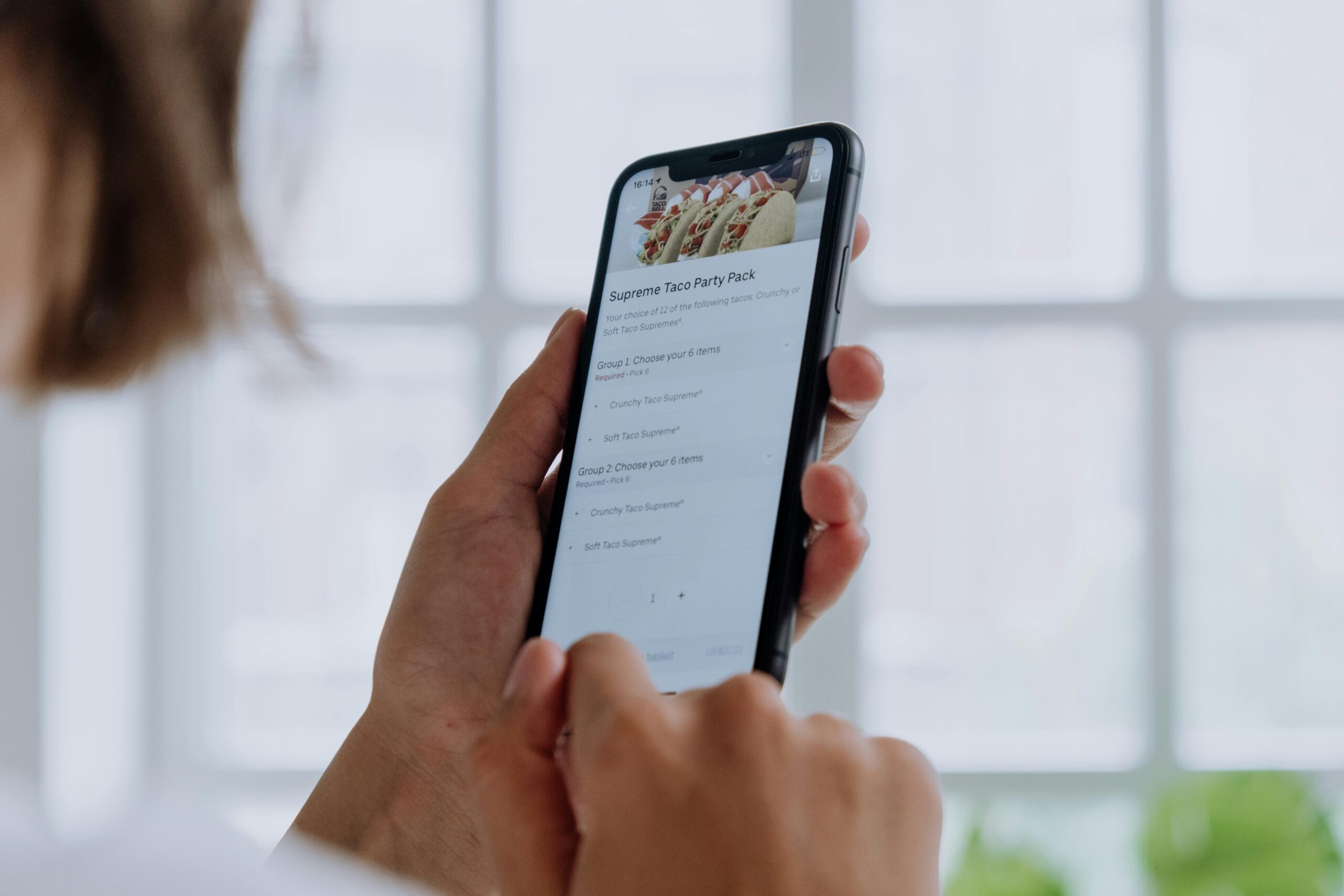
Escape hatches are critical design elements that prevent user frustration and abandonment. When implemented thoughtfully, they provide clear pathways out of complex situations, creating seamless digital experiences that users appreciate and trust.

🚪 Understanding the Psychology Behind Escape Routes
Every user who interacts with your digital product needs to feel in control. When people sense they’re trapped or unable to reverse an action, anxiety sets in immediately. This fundamental psychological principle drives the necessity for well-designed escape hatches throughout your interface.
Escape hatches serve as safety nets in digital environments. They acknowledge that users make mistakes, change their minds, or simply want to explore without commitment. Without these critical design elements, users experience what psychologists call “learned helplessness”—a state where they feel powerless to influence outcomes.
The most successful digital products recognize that user agency isn’t just a nice feature—it’s essential. Companies like Google, Apple, and Microsoft invest heavily in designing clear exit strategies because they understand that trapped users become former users. Your interface should always answer the unspoken question: “How do I get out of here?”
🎯 Identifying Where Escape Hatches Are Essential
Not every screen requires an escape hatch, but certain situations demand them absolutely. Understanding these critical moments helps you prioritize your design efforts effectively.
Multi-step processes represent the most obvious need for escape hatches. Whether you’re designing a checkout flow, account creation sequence, or complex form, users must see clear exit options at every stage. The anxiety of being locked into a lengthy process without visible escape routes can cause immediate abandonment.
Modal dialogs and overlays require especially careful attention. These interface elements take over the entire screen, potentially creating claustrophobic experiences. Users interacting with modals should always see an obvious way to dismiss them—typically through an X button, cancel option, or background click functionality.
Error states present another critical juncture for escape hatches. When something goes wrong, users need clear paths forward. Simply displaying an error message without offering recovery options leaves users stranded and frustrated.
Critical Touchpoints Requiring Clear Exits
- Account deletion or subscription cancellation flows
- Payment and transaction screens
- File upload or data import processes
- Settings and configuration panels
- Tutorial and onboarding sequences
- Full-screen media viewers or editors
- Search and filter interfaces
⚡ Designing Visible and Intuitive Escape Routes
Visibility stands as the most important characteristic of effective escape hatches. An exit option that users can’t find might as well not exist. Your escape hatches should be immediately apparent without requiring visual search or cognitive effort.
Placement conventions matter significantly in escape hatch design. Users have learned to expect certain interface elements in specific locations. Close buttons typically appear in the top-right corner of modals and windows. Cancel buttons generally sit to the left of confirmation buttons. Back navigation usually lives in the top-left area. Fighting these conventions creates unnecessary cognitive load.
Visual hierarchy ensures your escape hatches are appropriately prominent without overwhelming primary actions. While escape options should be visible, they shouldn’t compete visually with the main call-to-action. This balance typically means using secondary button styles—outlined buttons or text links—for escape hatches while reserving filled buttons for primary actions.
Color psychology plays a subtle but important role. Destructive actions like “Delete” or “Cancel Subscription” often use red to signal caution. Neutral escape hatches work well in gray or black. The key is consistency across your interface so users develop predictable mental models.
📱 Mobile-Specific Escape Hatch Considerations
Mobile interfaces present unique challenges for escape hatch design. Screen real estate is precious, touch targets need adequate sizing, and navigation patterns differ from desktop experiences.
The minimum touch target size for mobile escape hatches should be 44×44 pixels according to Apple’s guidelines, or 48×48 density-independent pixels per Material Design standards. Smaller targets lead to frustrating mis-taps and user anger.
Gesture-based escape hatches offer elegant solutions for mobile interfaces. Swipe-to-dismiss functionality for modals, pull-to-refresh for loading states, and edge-swipe navigation all provide intuitive escape mechanisms that feel natural on touchscreens. However, these gestures should always supplement—never replace—visible escape buttons, as discoverability remains crucial.
Bottom-sheet interfaces have become increasingly popular on mobile platforms, partially because they include intuitive escape mechanisms. Users can swipe down to dismiss them or tap the dimmed background. This pattern combines multiple escape methods, increasing the likelihood users will discover at least one.
✍️ Crafting Clear Microcopy for Escape Actions
The words you use for escape hatches significantly impact user confidence and comprehension. Vague labels like “OK” or “Done” on escape actions create confusion about what will actually happen when users click them.
Specificity improves user understanding dramatically. Instead of a generic “Cancel” button, consider “Exit Without Saving” or “Return to Dashboard.” These labels clearly communicate the consequence of the escape action, helping users make informed decisions.
Consistent terminology across your interface prevents confusion. If you use “Back” in one area and “Return” in another for the same type of action, users must pause to process whether these mean the same thing. This microsecond of confusion accumulates across interactions, degrading the overall experience.
Avoid negative language when possible. Phrases like “Don’t Save” or “No Thanks” create mental friction because they require users to process negation. Positive alternatives like “Exit Without Changes” or “Skip for Now” communicate the same information more clearly.
Effective Escape Hatch Labels
| Situation | Weak Label | Strong Label |
|---|---|---|
| Unsaved form | Cancel | Discard Changes |
| Onboarding flow | Skip | Skip Tutorial |
| Modal dialog | Close | Return to Previous Screen |
| Subscription screen | No | Continue with Free Version |
🔄 Handling Unsaved Changes and Data Loss Prevention
One of the most anxiety-inducing moments in any digital experience occurs when users realize they might lose work. Escape hatches in these situations require special care to prevent accidental data loss while still providing clear exit options.
Confirmation dialogs serve as secondary escape hatches when users attempt to leave without saving. These interruptions should appear only when data loss is genuinely at risk—overusing confirmation dialogs trains users to click through them without reading, defeating their purpose.
Auto-save functionality represents the gold standard for preventing accidental data loss. Applications like Google Docs have proven that continuous saving eliminates most escape-related anxiety. Users can leave at any time knowing their work is protected. When auto-save isn’t feasible, clear save status indicators help users understand whether exit is safe.
Draft saving provides a middle ground between manual saving and auto-save. Applications can automatically save drafts while still requiring explicit user action to finalize changes. This approach works particularly well for email clients, content management systems, and form builders.
🧪 Testing Your Escape Hatches for Maximum Effectiveness
Even carefully designed escape hatches can fail in practice. Rigorous testing reveals whether your exit strategies actually work for real users in real situations.
User testing sessions should specifically include tasks that require escape actions. Watch whether participants can find exit options without prompting. Note any hesitation or confusion. Ask users to narrate their thought process as they navigate—this verbal protocol reveals mental models and expectations.
Analytics data provides quantitative validation for escape hatch effectiveness. Track metrics like modal dismissal rates, cancellation flow abandonment, and error recovery success. High abandonment rates at specific escape points indicate design problems requiring attention.
A/B testing different escape hatch implementations helps you optimize based on actual user behavior rather than assumptions. Test variations in placement, styling, labeling, and interaction patterns to discover what works best for your specific audience and context.
🎨 Balancing Business Goals with User Freedom
Tension often exists between business objectives and user-friendly escape hatches. Companies naturally want to guide users toward conversion actions, sometimes leading to dark patterns that make escape difficult or confusing.
This short-term thinking ultimately damages business outcomes. Users who feel manipulated or trapped develop negative brand associations. They’re less likely to return, less likely to recommend your product, and more likely to leave negative reviews. Trust, once broken, proves difficult to rebuild.
Transparent design that respects user agency actually improves long-term business metrics. When users know they can easily leave or reverse actions, they feel safer exploring and engaging. This confidence leads to increased feature adoption, higher satisfaction scores, and stronger customer retention.
Subscription cancellation flows exemplify this balance. While businesses understandably want to retain subscribers, making cancellation deliberately difficult breeds resentment. The best approach offers clear cancellation pathways while presenting genuine value propositions that might change minds—not manipulative obstacles.
🚀 Advanced Escape Hatch Patterns for Complex Interfaces
Sophisticated applications require more nuanced escape mechanisms beyond simple cancel buttons. These advanced patterns provide elegant solutions for complex interaction challenges.
Breadcrumb navigation serves as both wayfinding and escape mechanism in hierarchical interfaces. Users can jump back to any level in the hierarchy with a single click, avoiding tedious backwards navigation through multiple screens.
Progressive disclosure patterns reveal complexity gradually, always maintaining clear paths backward. Users can dive deeper into advanced features knowing they can easily return to simpler views. This approach reduces intimidation while supporting power users.
Undo functionality represents perhaps the most powerful escape hatch. When users can instantly reverse actions without penalty, they explore more confidently. The classic Command+Z keyboard shortcut has become so ingrained that users expect undo functionality across all applications.
Persistent navigation elements ensure escape routes remain accessible even in complex workflows. Keeping primary navigation visible—rather than hiding it to maximize content space—provides constant reassurance that users aren’t trapped.
♿ Accessibility Considerations for Escape Mechanisms
Accessible escape hatches ensure all users, regardless of ability, can exit situations comfortably. This isn’t just ethically important—it’s often legally required and always expands your potential user base.
Keyboard navigation for escape actions is essential for users who can’t use pointing devices. The Escape key should dismiss modals and overlays. Tab order should include escape buttons early in the sequence. Focus indicators must clearly show which escape option is currently selected.
Screen reader compatibility requires proper ARIA labels and semantic HTML. Buttons should be actual button elements, not clickable divs. Labels must clearly communicate the action’s purpose. For icon-only escape buttons like the X close symbol, include aria-label attributes with descriptive text.
Sufficient color contrast ensures escape buttons remain visible for users with low vision or color blindness. WCAG guidelines recommend minimum contrast ratios of 4.5:1 for normal text and 3:1 for large text. Don’t rely solely on color to communicate interactive elements—use borders, icons, or text labels as well.
💡 Learning from Industry Leaders’ Escape Design
Examining how successful products implement escape hatches provides valuable lessons. These companies have tested their patterns with millions of users, refining designs based on extensive data.
Gmail’s compose window exemplifies thoughtful escape design. Users can minimize the compose box rather than closing it, preserving drafts while allowing access to other emails. The explicit “Discard” and “Save Draft” options prevent accidental loss. Multiple escape methods accommodate different user preferences.
Spotify’s full-screen player includes multiple intuitive escape mechanisms. Users can swipe down, tap the down arrow, or press the back button. This redundancy ensures virtually everyone can discover at least one exit method without instruction.
Airbnb’s search and filter interface demonstrates excellent escape design for complex filtering scenarios. The prominent “Clear All” option provides instant reset functionality. Individual filter chips can be removed one by one. The X button closes the entire filter panel. This layered approach supports different escape needs.
🔍 Common Escape Hatch Mistakes to Avoid
Understanding frequent pitfalls helps you sidestep common design failures that frustrate users and damage experiences.
Hidden or hard-to-find escape options represent the most egregious mistake. Tiny X buttons in non-standard locations, escape functionality requiring multiple steps, or exits hidden in overflow menus all create unnecessary friction.
Inconsistent escape mechanisms across your interface force users to relearn patterns repeatedly. If modals dismiss with a tap outside in one area but require clicking X in another, users must test each situation rather than relying on learned behavior.
Fake escape hatches that lead to unexpected outcomes destroy user trust. Close buttons that navigate to different pages instead of actually closing, or cancel actions that still save changes, represent dark patterns that prioritize manipulation over user respect.
Confirmation dialogs that don’t match the escape action create confusion. If users click “Exit Without Saving” and receive a dialog asking “Are you sure you want to quit?” they must reprocess what’s happening, wondering whether the button they clicked did what it said.
🎓 Building User Confidence Through Predictable Escapes
Consistency and predictability in escape design build user confidence over time. When people know they can always find an exit, they engage more freely with your product.
Pattern libraries and design systems ensure escape hatches remain consistent as your product grows. Document standard implementations for modals, multi-step flows, error states, and other common situations requiring exit options. This documentation helps designers and developers maintain consistency across teams and features.
User education through onboarding can highlight key escape mechanisms in complex applications. Brief tooltips or tutorial steps that point out “You can always return to this dashboard” or “Swipe down to close” help users discover exit methods they might otherwise miss.
Forgiving design that prevents errors is superior to escape hatches that fix them. When possible, use inline validation, clear constraints, and helpful guidance to prevent users from needing escape routes in the first place. However, always provide exits as backup—no preventive measure catches everything.

🌟 Transforming Escape Design Into Competitive Advantage
Exceptional escape hatch design differentiates your product in crowded markets. While competitors may overlook these details, you can win users through thoughtful, respectful interaction design.
Users remember products that make them feel in control. When your application consistently provides clear, accessible exit options, users develop positive associations with your brand. This emotional connection influences purchasing decisions, feature adoption, and word-of-mouth recommendations.
Support costs decrease when users can solve problems independently. Clear escape hatches reduce the situations where users feel stuck and contact support. This operational benefit compounds over time as your user base grows.
Design awards and industry recognition often highlight products with exceptional attention to interaction details. Companies like Apple have built entire brand identities around user-respecting design principles, with thoughtful escape mechanisms forming part of that reputation.
The path forward involves auditing your current product for escape hatch opportunities, implementing improvements systematically, and testing rigorously with real users. Start with the highest-stakes situations—checkout flows, account management, and complex multi-step processes—then expand to refinement across your entire interface. Your users will notice, appreciate, and reward this attention to their needs and peace of mind.