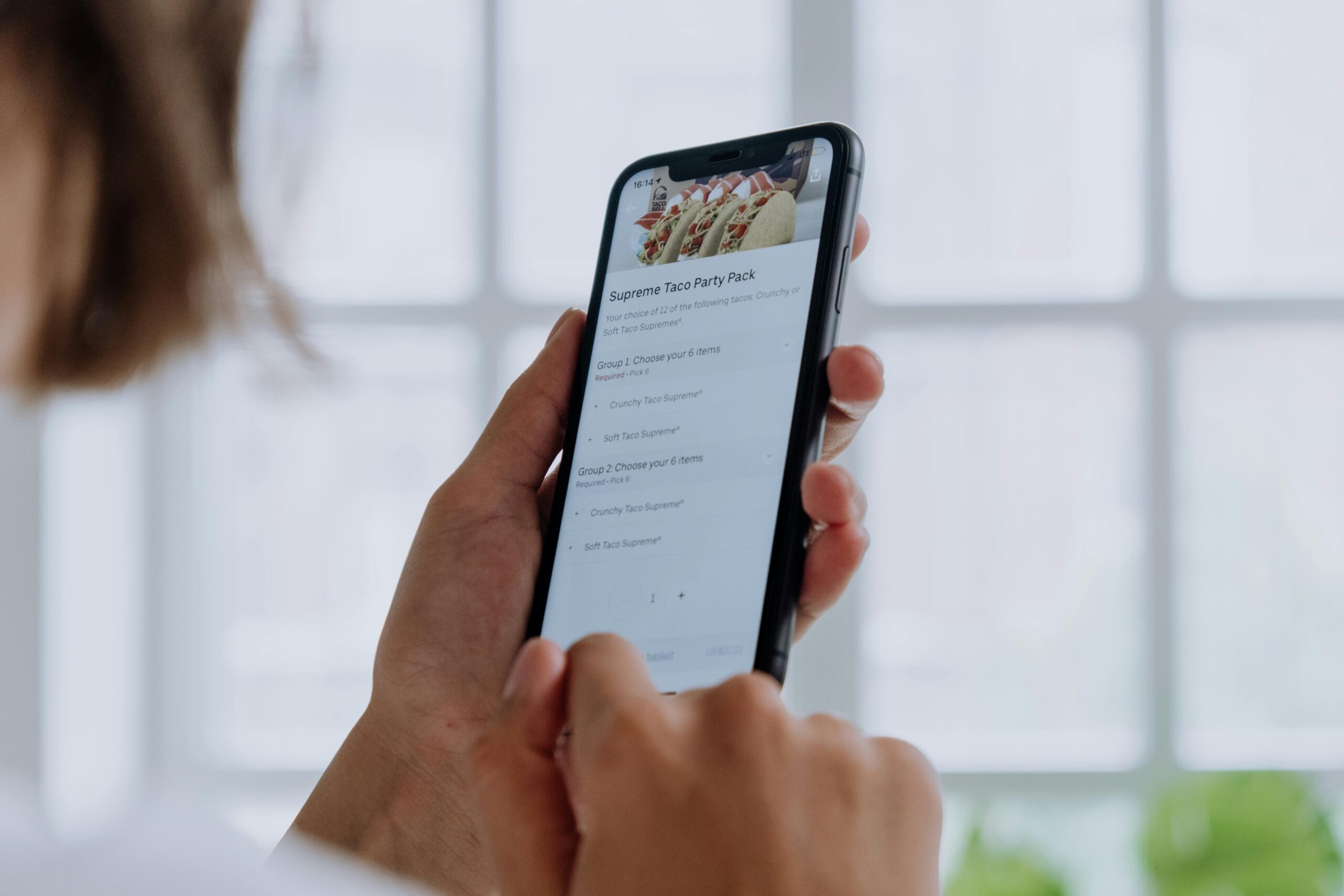
In the fast-paced digital world, designing friction isn’t about slowing users down—it’s about preventing costly mistakes through intentional design choices that guide better decisions.

🎯 Understanding Productive Friction in User Experience
When we think about user experience design, the instinct is often to remove all obstacles and create the smoothest possible journey. However, this approach overlooks a critical aspect of human behavior: we make mistakes, especially when moving too quickly. Productive friction—the intentional introduction of pauses, confirmations, and deliberate steps—serves as a safety mechanism that protects users from themselves.
The concept might seem counterintuitive at first. After all, haven’t we spent years optimizing checkout flows, reducing click counts, and streamlining every interaction? The key distinction lies in understanding when friction helps and when it hinders. Strategic friction isn’t about creating annoyance; it’s about creating awareness at critical decision points.
Consider the difference between scrolling through a social media feed and deleting your entire account. The first action should be frictionless and immediate. The second should require multiple confirmations, waiting periods, and clear warnings about consequences. This deliberate design choice acknowledges the weight of different actions and adjusts the user experience accordingly.
💡 The Psychology Behind Mistake Prevention
Human cognition operates on two systems, as behavioral economist Daniel Kahneman famously described. System 1 is fast, automatic, and intuitive—perfect for routine tasks but prone to errors. System 2 is slower, more deliberate, and analytical. Productive friction essentially forces users to shift from System 1 to System 2 thinking when the stakes are high.
This cognitive shift is crucial because most digital mistakes happen when we’re operating on autopilot. Have you ever almost sent a sensitive email to the wrong person? Clicked “Reply All” instead of “Reply”? Approved a payment without checking the amount? These errors occur because we’re moving too quickly through actions that deserve more attention.
Research in cognitive psychology shows that interrupting automatic processes at the right moment can dramatically reduce error rates. The challenge for designers is identifying these critical moments and implementing friction that feels protective rather than obstructive.
The Role of Confirmation Bias
Confirmation bias makes us see what we expect to see rather than what’s actually there. When users rush through familiar interfaces, they rely on pattern recognition rather than careful reading. This is why simply adding warning text often fails—users have learned to ignore standard warning messages. Effective friction must break these patterns in ways that genuinely capture attention.
🛠️ Types of Productive Friction in Design
Different situations call for different friction strategies. Understanding these various approaches allows designers to select the most appropriate tool for each scenario.
Confirmation Dialogs That Actually Work
Standard confirmation dialogs have become so ubiquitous that users often click through them without reading. Effective confirmations require users to engage more meaningfully. Instead of simple “OK/Cancel” buttons, consider requiring users to type specific words, wait for a countdown timer, or acknowledge specific consequences through checkboxes.
For example, when GitHub users attempt to delete a repository, they must type the exact repository name to confirm. This requirement forces users to slow down, read carefully, and consciously acknowledge what they’re about to delete. The friction is high, but proportionate to the irreversible nature of the action.
Progressive Disclosure and Staged Processes
Breaking complex or consequential actions into multiple stages creates natural pause points where users can reconsider their choices. Each stage serves as both a progress indicator and a checkpoint, reducing cognitive load while maintaining awareness of the overall process.
This approach works particularly well for financial transactions, account changes, and data deletions. Rather than presenting everything at once or hiding everything behind a single click, staged processes acknowledge complexity while maintaining control.
Contextual Warnings and Visual Hierarchy
Not all friction needs to block action—sometimes it’s enough to create visual emphasis that draws attention to important information. Color coding, size variations, and strategic placement can slow users down just enough to register critical details without fully interrupting their flow.
Destructive actions often appear in red, while confirmations use green or blue. This color language has become so standardized that violating it creates natural hesitation, even without reading the text.
⚖️ Balancing Friction and Flow
The art of designing productive friction lies in finding the perfect balance. Too little friction at critical moments leads to mistakes; too much friction everywhere creates frustration and abandonment. This balance requires deep understanding of user context, action consequences, and frequency of use.
The Reversibility Factor
One of the most important considerations in friction design is whether an action can be undone. Reversible actions deserve minimal friction—think of archiving an email or hiding a post. Users can experiment and correct mistakes without serious consequences. Irreversible actions demand substantial friction proportionate to their permanence.
Many modern applications have embraced the “undo” pattern as an alternative to confirmation dialogs. Gmail’s “Undo Send” feature is a perfect example: instead of asking “Are you sure you want to send this email?” it simply sends the email with a brief window to reverse the action. This maintains flow while providing a safety net.
Frequency and Familiarity Considerations
Actions performed frequently should generally have less friction than rare, high-stakes decisions. Expert users develop muscle memory and patterns that make excessive friction genuinely obstructive. However, even frequent actions need appropriate safeguards when they involve sensitive data or irreversible changes.
Some applications implement progressive friction reduction: the first time a user performs a critical action, they encounter maximum friction and explanation. As they demonstrate familiarity, the friction gradually decreases while maintaining essential safeguards.
📱 Real-World Examples of Effective Friction Design
Examining how successful products implement productive friction reveals practical patterns that work across different contexts and user bases.
Financial Applications
Banking and payment apps face particularly high stakes—user mistakes can have immediate financial consequences. Venmo, for instance, requires users to review payment details before finalizing transfers. The review screen isn’t just a confirmation; it presents the information in a different visual format than the input screen, forcing users to re-read rather than simply clicking through.
Stock trading applications often implement cooling-off periods for certain types of trades, preventing impulsive decisions during market volatility. This friction serves both the user’s interests and regulatory requirements.
Social Media Platforms
Twitter’s implementation of a “read the article before retweeting” prompt represents friction designed to combat misinformation. Users who attempt to retweet articles they haven’t opened receive a gentle nudge to actually read the content first. This doesn’t prevent sharing, but it introduces awareness at a critical moment.
Facebook’s “Take a moment to review your post” feature for potentially sensitive content uses AI to detect inflammatory language and prompts users to reconsider before posting. The friction here is subtle but strategically placed.
Productivity and Communication Tools
Slack’s confirmation requirement when using @channel or @here mentions prevents unnecessary notification spam to entire workspaces. This small friction point has saved countless teams from accidental mass pings.
Email clients increasingly offer send-delay features and warning prompts when emails lack attachments despite mentioning them. These friction points catch common mistakes without significantly disrupting workflow.
🎨 Design Patterns for Implementing Strategic Friction
Translating friction theory into practical design requires specific patterns and implementation strategies that respect user experience principles while providing necessary safeguards.
The Graduated Response Pattern
Rather than treating all errors equally, implement friction that scales with consequence severity. Minor actions might receive only visual feedback; moderate actions get soft confirmations; critical actions face multi-step verification processes.
This graduated approach prevents “friction fatigue” where users become desensitized to warnings because they encounter them too frequently for trivial actions. When users see high-friction patterns, they immediately understand the action carries serious consequences.
The Explicit Acknowledgment Pattern
Generic “I understand” checkboxes fail because users check them automatically. Effective acknowledgment requires specific engagement with the consequences. This might include:
- Typing specific words or phrases that vary based on the action
- Checking multiple specific boxes rather than one general acceptance
- Answering a simple question that proves comprehension
- Waiting through a countdown that provides time for reconsideration
The Alternative Path Pattern
Sometimes the best friction isn’t blocking action but offering alternatives. When users attempt potentially problematic actions, presenting alternative solutions can redirect them toward better outcomes without creating pure obstruction.
For example, when users try to delete their account, offering options to deactivate temporarily, export data, or adjust privacy settings might address their actual needs while preventing permanent, regrettable decisions.
🔍 Testing and Validating Friction Effectiveness
Implementing productive friction requires careful testing to ensure it actually prevents mistakes without creating excessive frustration. User research, A/B testing, and behavioral analytics all play crucial roles in validation.
Metrics That Matter
Traditional conversion-focused metrics often suggest friction is negative—and indeed, friction will typically reduce completion rates for the actions it guards. The key is measuring the right outcomes: reduction in support tickets, decrease in action reversals, lower regret rates, and improved user satisfaction over time.
Track not just whether users complete actions, but whether they maintain those decisions. High rates of account restoration after deletion suggest insufficient friction at the deletion point. Frequent payment disputes might indicate insufficient review friction in checkout flows.
User Feedback and Sentiment Analysis
Qualitative feedback reveals whether friction feels protective or merely annoying. Users should understand why friction exists and appreciate the safeguard even if they find it momentarily inconvenient. When users express gratitude for being “saved from myself,” you’ve achieved the right balance.
🚀 Future Trends in Friction Design
As technology evolves, so do opportunities for more sophisticated, context-aware friction that adapts to individual users and situations.
Adaptive Friction Systems
Machine learning enables friction that adjusts based on user behavior patterns, time of day, device context, and other factors. A user making a large payment transfer at 2 AM might face more friction than the same user making the same transfer during business hours—because unusual patterns often indicate mistakes or compromised accounts.
These systems can learn individual user patterns and adjust friction accordingly, providing maximum protection for new or unusual actions while reducing friction for routine, familiar tasks.
Biometric and Contextual Authentication
Advanced authentication methods create friction that’s difficult to bypass accidentally but quick for intentional action. Face ID or fingerprint scans provide strong confirmation of intent without requiring users to type passwords or confirmation phrases.
Context-aware systems might reduce friction when users are in familiar locations or using trusted devices, while increasing friction for actions attempted in unusual circumstances.
🎯 Implementing Friction: Practical Guidelines
For designers and product teams ready to implement productive friction, several practical guidelines ensure effective implementation:
Start by mapping all user actions and categorizing them by consequence severity and reversibility. High-consequence, irreversible actions deserve maximum friction. Low-consequence, easily reversed actions need minimal friction. This creates your friction hierarchy.
Design friction moments that feel natural within your application’s overall experience. Friction should never feel arbitrary or punitive—users should understand why it exists. Brief explanations that communicate the rationale help users accept necessary friction.
Test friction implementations with real users before full deployment. What feels protective to designers might feel obstructive to users, or vice versa. User feedback during testing reveals whether you’ve struck the right balance.
Monitor both quantitative metrics and qualitative feedback after implementation. Be prepared to adjust friction levels based on actual user behavior and outcomes. Friction design is rarely perfect on the first attempt—iteration based on real data is essential.

🌟 The Human-Centered Approach to Error Prevention
Ultimately, designing productive friction represents a deeply human-centered approach to product design. It acknowledges that people make mistakes, act impulsively, and sometimes need protection from their own fast-thinking brains. Rather than blaming users for errors or forcing them to be perpetually careful, good friction design builds safeguards directly into the system.
This approach requires empathy and understanding of human psychology, not just technical design skills. It means accepting that the fastest path isn’t always the best path, and that sometimes slowing users down serves their best interests.
The art of designing friction lies in making these moments feel like helpful guidance rather than obstructive barriers. When users encounter well-designed friction, they should feel protected and supported, not frustrated and constrained. This balance transforms friction from an obstacle into an asset—a design element that enhances rather than detracts from user experience.
As digital products become increasingly powerful and interconnected, the potential consequences of user mistakes grow correspondingly larger. A misclick might delete years of work, transfer thousands of dollars, or share private information with the entire internet. In this environment, thoughtful friction design isn’t optional—it’s an ethical imperative and a competitive advantage that builds user trust and loyalty.