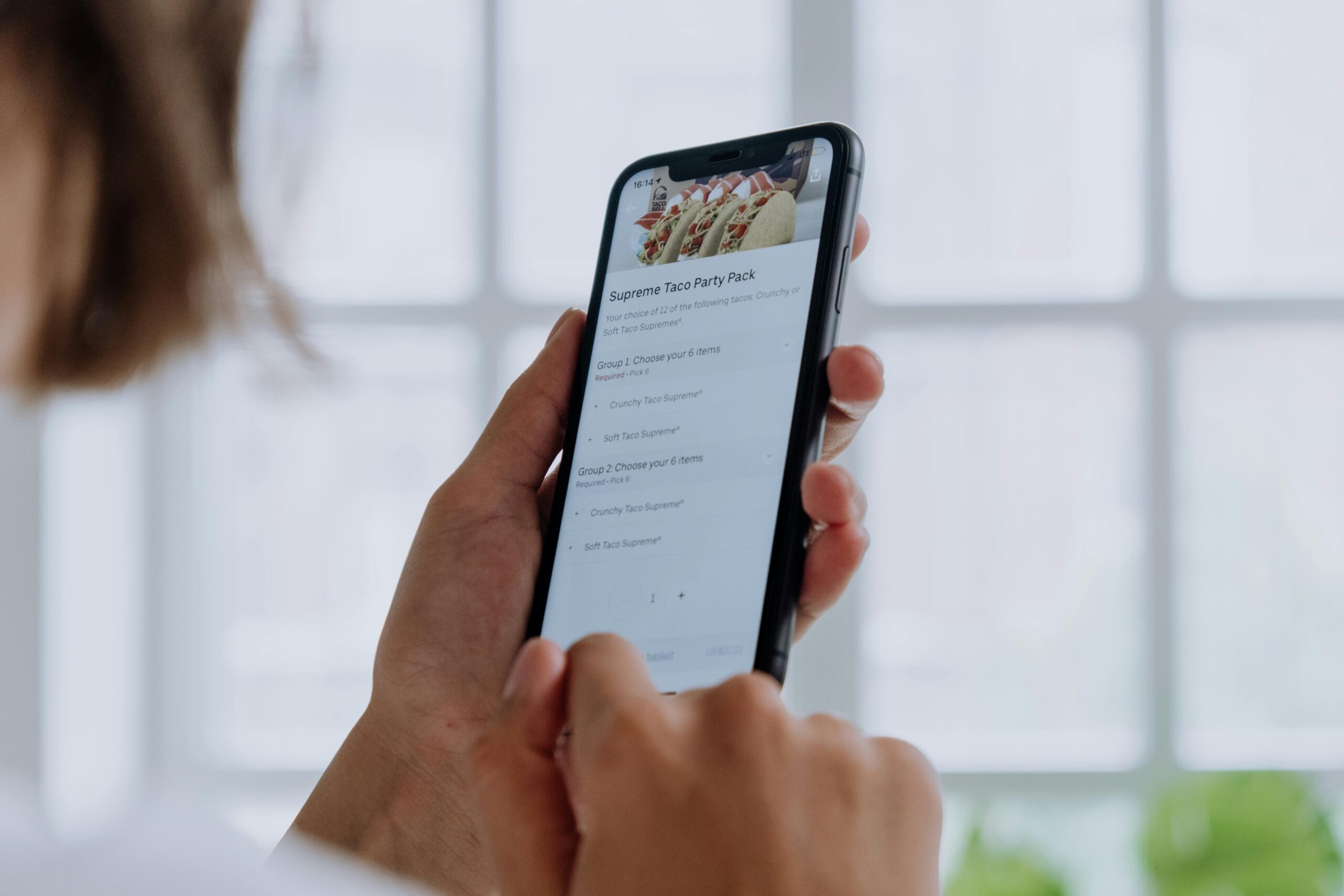
Accessibility in design is no longer optional—it’s a fundamental principle that ensures digital experiences work for everyone, regardless of ability or circumstance.

🌍 Understanding Accessibility Beyond Compliance
When we talk about accessibility in friction design, we’re discussing something far more profound than meeting legal requirements or checking boxes on a compliance form. We’re exploring how thoughtful design choices can either open doors or create insurmountable walls for millions of users worldwide. Friction design—the intentional use of resistance in user interfaces—presents unique challenges when accessibility enters the equation.
The concept of friction in design traditionally refers to obstacles that slow users down, requiring them to think before acting. This might include confirmation dialogs before deleting important files, CAPTCHA challenges, or multi-step verification processes. While these friction points serve important purposes like security and preventing errors, they can inadvertently become accessibility nightmares when not designed with universal access in mind.
Approximately 1.3 billion people worldwide experience significant disability, according to the World Health Organization. This represents about 16% of the global population—a massive user base that designers cannot afford to ignore. Yet accessibility considerations often come as afterthoughts, band-aid solutions applied when someone files a complaint rather than fundamental design principles integrated from the start.
The Intersection of Friction and Accessibility ⚡
Friction design and accessibility might seem at odds initially. After all, friction intentionally slows users down, while accessibility aims to remove barriers. However, the relationship is more nuanced than simple opposition. When properly executed, friction can actually enhance accessibility by preventing costly mistakes, providing necessary context, and giving users time to process information.
The key lies in distinguishing between productive friction that serves all users and destructive friction that disproportionately impacts those with disabilities. A two-factor authentication system represents productive friction—it protects everyone’s accounts. However, if that system relies exclusively on time-sensitive SMS codes without alternative options, it becomes destructive friction for users with cognitive processing delays or those in areas with poor mobile reception.
Types of Friction That Impact Accessibility
Different forms of intentional friction affect users with varying abilities in distinct ways. Visual verification systems like CAPTCHAs present obvious challenges for blind users or those with visual impairments. Timed interactions create barriers for people with motor disabilities who need additional time to click, tap, or navigate. Complex multi-step processes can overwhelm users with cognitive disabilities or those experiencing situational limitations like stress or distraction.
Audio-only verification excludes deaf users. Mouse-only interactions shut out keyboard-dependent users. Color-coded warnings fail for colorblind individuals. Each friction point multiplies these challenges, creating compound barriers that can make digital products completely unusable for significant portions of your audience.
🎨 Design Principles for Accessible Friction
Creating friction that works for everyone requires adherence to core accessibility principles while maintaining the protective or educational benefits that friction provides. The WCAG (Web Content Accessibility Guidelines) offers a framework, but implementing these guidelines in friction-heavy interfaces demands creative problem-solving and genuine empathy.
Perceivability Without Barriers
Every friction point must be perceivable to all users through multiple channels. If you’re using a countdown timer before allowing form submission, provide visual progress indicators, numerical readouts, and screen reader announcements. Color should never be the sole means of conveying information—always pair it with text, icons, or patterns.
Consider a warning message about deleting an account. An accessible version wouldn’t just display red text. It would include a warning icon, clear heading structure announcing “Warning: Permanent Action,” and descriptive text explaining consequences. The friction works because everyone can perceive the severity, not just sighted users who can see red coloring.
Operable Interfaces for All Input Methods
Users interact with digital products through diverse methods: mice, keyboards, touchscreens, voice commands, eye-tracking devices, switch controls, and more. Friction mechanisms must function across all these input modalities without creating disproportionate difficulty.
A drag-and-drop CAPTCHA might seem innovative, but it fails users who cannot perform dragging motions. An accessible alternative provides multiple solving methods: drag-and-drop for those who prefer it, keyboard arrow keys for navigation, and perhaps an audio challenge option. The friction remains—you still must prove you’re human—but the barrier height stays consistent across abilities.
Understandable Content and Functionality
Friction often involves explaining why something cannot happen immediately or easily. These explanations must be comprehensible to users with varying cognitive abilities, language proficiencies, and educational backgrounds. Simple language, clear instructions, and consistent patterns become crucial.
Avoid jargon, technical terminology, and complex sentence structures in friction points. Instead of “Authentication credentials invalid—retry authorization sequence,” say “Your password is incorrect. Please try again.” The friction point serves its purpose without adding cognitive load unnecessarily.
Robust Compatibility Across Technologies
Accessible friction design must work with assistive technologies like screen readers, screen magnifiers, voice recognition software, and alternative input devices. This requires semantic HTML, ARIA labels where appropriate, and thorough testing with actual assistive technology users.
💡 Practical Strategies for Implementation
Translating principles into practice requires specific techniques and thoughtful implementation. Here are actionable approaches for creating accessible friction in digital products.
Multi-Modal Verification Systems
Replace single-method verification with options. Instead of CAPTCHA alone, offer audio challenges, puzzle alternatives, or authentication via trusted devices. Many modern systems now use risk-based authentication that reduces friction for likely legitimate users while increasing it for suspicious activity—a smart approach that benefits accessibility.
Biometric authentication presents interesting accessibility considerations. While fingerprint or facial recognition can eliminate friction for many users, they create barriers for others. Always provide alternative authentication methods that don’t rely on specific physical characteristics or abilities.
Progressive Disclosure with Context
When friction involves multi-step processes, progressive disclosure helps manage cognitive load. Show users one step at a time with clear progress indicators. Provide context about why each step matters and how many remain. Allow saving and returning later for users who need breaks.
A checkout process exemplifies this well. Rather than displaying fifteen fields simultaneously, group them logically: shipping information, payment details, order review. Number the steps clearly. Indicate which step is current, which are complete, and which remain. Let users navigate backward without losing data.
Flexible Timing and Pacing
Time-based friction disproportionately impacts users with motor disabilities, cognitive processing differences, or those using assistive technologies. Whenever possible, avoid strict time limits. When timing is absolutely necessary for security or functionality, provide generous defaults and options to extend time.
If implementing session timeouts, warn users well in advance with accessible alerts. Offer simple ways to extend sessions through keyboard shortcuts or prominent buttons. Consider that a screen reader user might need three times longer to complete the same task as a sighted mouse user.
🔍 Testing for Accessible Friction
Creating accessible friction design requires rigorous testing with diverse users and assistive technologies. Automated testing catches some issues, but human evaluation remains irreplaceable for assessing whether friction serves its purpose without creating disproportionate barriers.
Automated Testing Tools
Tools like axe DevTools, WAVE, and Lighthouse identify technical accessibility violations: missing alt text, inadequate color contrast, improper heading structure, and missing ARIA labels. These tools provide valuable first-pass evaluation but cannot assess subjective usability or whether friction appropriately serves its purpose.
Assistive Technology Testing
Test your friction points with actual assistive technologies. Navigate exclusively by keyboard through every interactive element. Use screen readers like NVDA, JAWS, or VoiceOver to experience how friction mechanisms announce themselves. Try voice control software to attempt all actions. Each technology reveals different barriers.
Don’t just check that something is technically accessible—evaluate whether the friction remains proportionate. If a visual CAPTCHA takes sighted users 10 seconds but screen reader users must endure a 3-minute audio challenge, that’s disproportionate friction even if technically accessible.
User Testing with Diverse Participants
Include people with disabilities in your user research from the beginning. Don’t wait until you have a prototype to discover that your core friction mechanism doesn’t work for blind users. Involve participants with varying disabilities: visual, auditory, motor, cognitive, and combinations thereof.
Pay particular attention to users who experience multiple disabilities, as compound barriers often emerge in these scenarios. A deaf-blind user navigating through braille display requires completely different considerations than accommodating deaf or blind users separately.
📊 Measuring Success in Accessible Friction Design
How do you know if your accessible friction design succeeds? Establish metrics that go beyond basic compliance to measure actual user experience across abilities.
Completion Rates Across User Groups
Track completion rates for friction-heavy processes segmented by accessibility needs. If users with disabilities abandon processes at significantly higher rates than those without, your friction likely creates disproportionate barriers. Investigate where drop-offs occur and why.
Time-on-Task Comparisons
Monitor how long different user groups take to complete tasks involving friction. Some time difference is expected—assistive technology often requires additional steps—but dramatic disparities indicate problematic friction. A task taking 2 minutes for sighted users but 15 minutes for screen reader users suggests serious accessibility issues.
Error Rates and Recovery
Measure not just whether errors occur, but whether all users can understand and recover from them equally. Accessible friction design provides clear error messages, indicates which fields need correction, and explains how to fix problems in language appropriate for all comprehension levels.
Support Request Patterns
Analyze support requests and help documentation usage patterns. High volumes of accessibility-related support requests indicate that your friction design creates confusion or barriers. Common questions reveal where additional clarity or alternative approaches might help.
🚀 Real-World Examples and Case Studies
Examining how organizations successfully implement accessible friction provides practical inspiration and demonstrates that effective solutions exist.
Banking and Financial Services
Financial institutions face unique challenges balancing security-necessary friction with accessibility. Leading banks now offer multiple authentication options: SMS codes, authenticator apps, hardware tokens, and biometric verification. Users choose methods that work best for their abilities and circumstances.
Some banks implement intelligent friction that adapts to context. Transferring $20 to a saved payee requires minimal verification, while establishing a new international wire transfer recipient triggers additional security measures. This contextual approach reduces unnecessary friction for routine tasks while maintaining protection where it matters most.
E-Commerce Platforms
Online retailers discovered that accessible checkout processes benefit everyone, not just users with disabilities. Simplified forms, clear progress indicators, and multiple payment options reduce cart abandonment across all user groups. Guest checkout options eliminate account creation friction while still allowing returning customers to benefit from saved information.
Best-in-class e-commerce sites provide order tracking through multiple channels: visual timelines, text updates, email notifications, and SMS alerts. This multi-modal approach ensures all users can monitor purchases regardless of ability or preference.
Social Media Platforms
Social networks balance preventing harmful content and behavior with allowing legitimate expression. Accessible content warnings give users control over sensitive content without requiring specific visual abilities to understand warnings. Reporting mechanisms work via keyboard, screen reader, and touch interfaces equally well.
Some platforms now use AI to generate image descriptions automatically, reducing the friction of manual captioning while improving accessibility. Users can edit AI-generated descriptions, balancing automation efficiency with human accuracy.
🌟 The Business Case for Accessible Friction Design
Beyond moral imperatives and legal requirements, accessible friction design makes excellent business sense. The disability market represents tremendous purchasing power—estimated at over $8 trillion globally. Excluding these users means abandoning significant revenue opportunities.
Accessible design typically benefits everyone, not just users with disabilities. Curb cuts designed for wheelchair users help people with strollers, luggage, and delivery carts. Similarly, accessible friction design creates smoother experiences across the board. Clear error messages help everyone. Keyboard navigation aids power users. Simple language improves comprehension universally.
Companies that prioritize accessibility build stronger brand reputation and customer loyalty. Users notice when organizations genuinely care about inclusive design rather than treating accessibility as a checkbox exercise. Positive experiences translate to recommendations, repeat business, and differentiation in competitive markets.
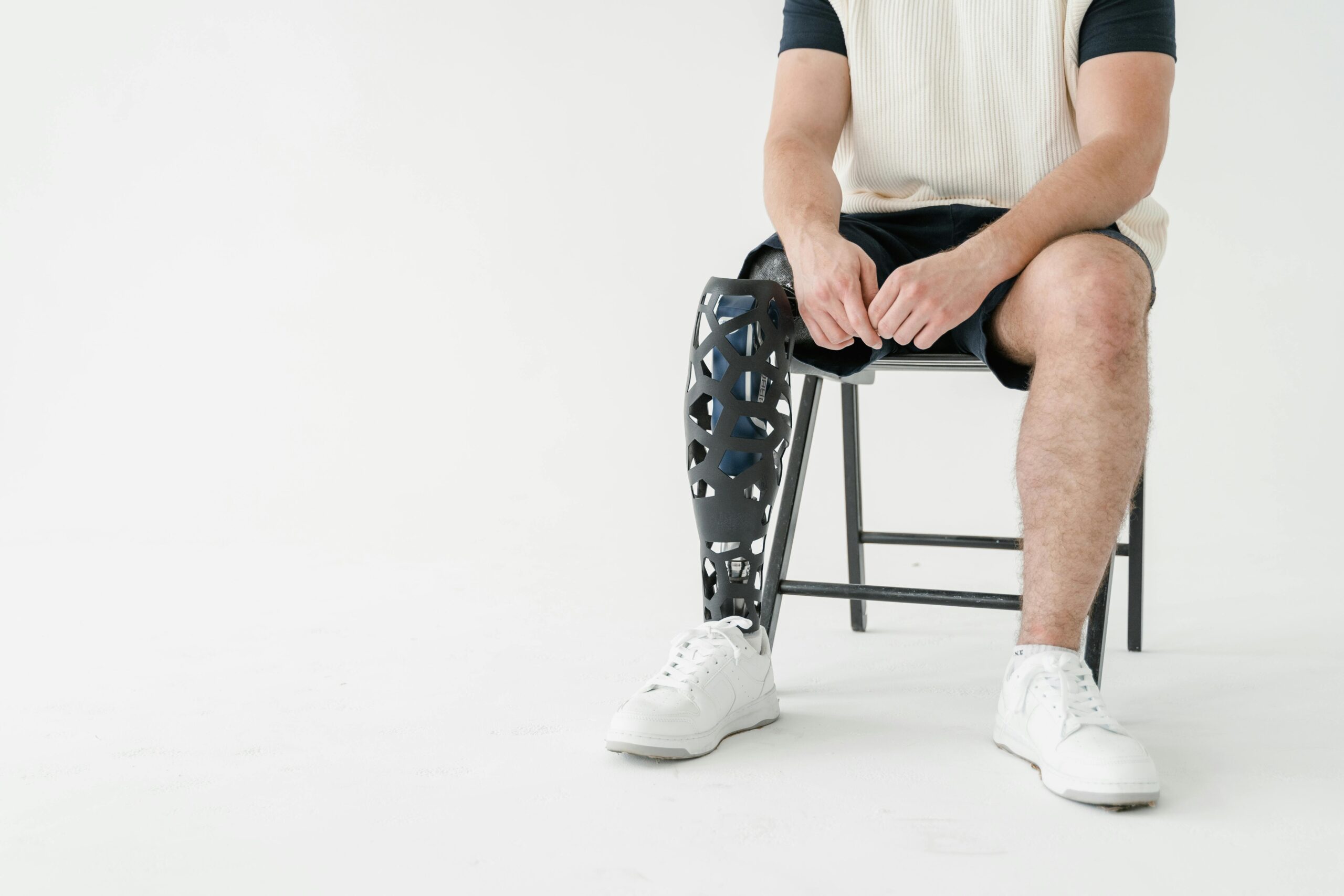
🎯 Moving Forward: Building Inclusive Friction
Creating accessible friction design requires shifting mindsets from compliance to genuine inclusion. Start by involving users with disabilities in your design process from day one, not as an afterthought. Their lived experiences provide insights that no accessibility guideline can fully capture.
Embrace flexibility in implementation. Recognize that one-size-fits-all solutions rarely work well for anyone. Provide options, alternatives, and customization wherever possible. Let users choose interaction methods that suit their abilities and preferences.
Educate your entire team about accessibility principles and the importance of inclusive design. Developers, designers, product managers, content creators, and leadership all play roles in creating accessible experiences. Shared understanding and commitment ensure accessibility becomes woven into organizational culture rather than remaining a specialized concern.
Remember that accessibility is ongoing work, not a one-time project. Technologies evolve, standards update, and user needs change. Regular testing, continuous improvement, and genuine engagement with disability communities keep your friction design accessible and effective.
Breaking barriers through accessible friction design means recognizing that protection, thoughtfulness, and inclusion can coexist. Friction that serves everyone regardless of ability represents design excellence—creating digital experiences that are simultaneously secure, considerate, and universally accessible. This is the future of inclusive design, and it’s a future worth building together.